The Problem
I am running a Ubuntu box, and from time to tome I install trusted *.deb packages from the Internet. Since Ubunu is a Debian derivate this works without any problem.
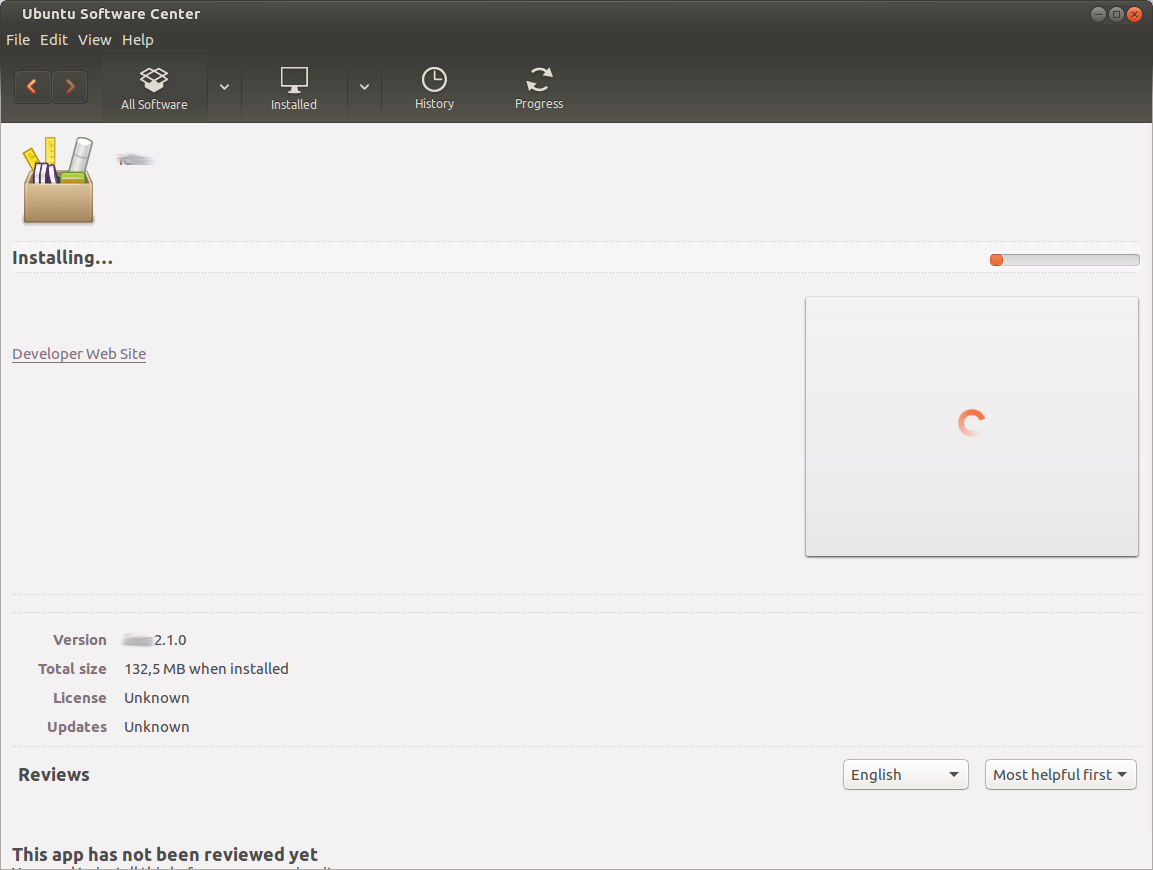
Have you ever tried to uninstall these packages via the software center ? … Well: It turned out that this is sometimes not possible through the software center. This article shows you how to do this via commandline.
The Solution
1.) Search for the package name
Before you can remove any packages you need to know the name of the package that should be uninstalled. The best option is to list them all. dpkg -l does the trick:
gue@box:~$ dpkg -l

Desired=Unknown/Install/Remove/Purge/Hold
| Status=Not/Inst/Conf-files/Unpacked/halF-conf/Half-inst/trig-aWait/Trig-pend
|/ Err?=(none)/Reinst-required (Status,Err: uppercase=bad)
||/ Name                      Version           Architecture      Description
+++-=========================-=================-=================-=======================================================
ii  9menu                     1.9-1             amd64             Creates X menus from the shell
rc  abiword                   3.0.1-1           amd64             efficient, featureful word processor with collaboration
ii  account-plugin-aim        3.12.11-0ubuntu3  amd64             Messaging account plugin for AIM
ii  account-plugin-facebook   0.12+16.04.201601 all               GNOME Control Center account plugin for single signon -
.
.
.
.
ii  zip                       3.0-11            amd64             Archiver for .zip files
ii  zlib1g:amd64              1:1.2.8.dfsg-2ubu amd64             compression library - runtime
ii  zlib1g:i386               1:1.2.8.dfsg-2ubu i386              compression library - runtime
ii  zlib1g-dev:amd64          1:1.2.8.dfsg-2ubu amd64             compression library - development
Dont forget - you can also pipe this list into grep to find your package:
gue@box:~$ dpkg -l | grep unwantedPackage
ii  unwantedPackage                                              2.1.0                                      amd64
gue@box:~$
2.) Remove / purge it
The second step is to remove the found package (in our example the *unwantedPackage) *via dpkg. If you want only the binaries to be removed then you have to remove the package, if you want to have the config files to be deleted as well then you have to purge the package.
Here is how you purge a package:
gue@box:~$ sudo dpkg --purge unwantedPackage
[sudo] password for gue:
(Reading database ... 620296 files and directories currently installed.)
Removing unwantedPackage (2.1.0) ...
Purging configuration files for unwatedPackage (2.1.0) ...
Processing triggers for hicolor-icon-theme (0.15-0ubuntu1) ...
Processing triggers for desktop-file-utils (0.22-1ubuntu5) ...
Processing triggers for gnome-menus (3.13.3-6ubuntu3.1) ...
Processing triggers for mime-support (3.59ubuntu1) ...
gue@box:~$
That’s it - have fun !